
Connections and data
What Ijaz reads, in your systems
News, posts with their tone, stories and their risk level, reviews, and followers day by day. Show them in Power BI next to your sales figures, or let your company's AI assistant answer from them.
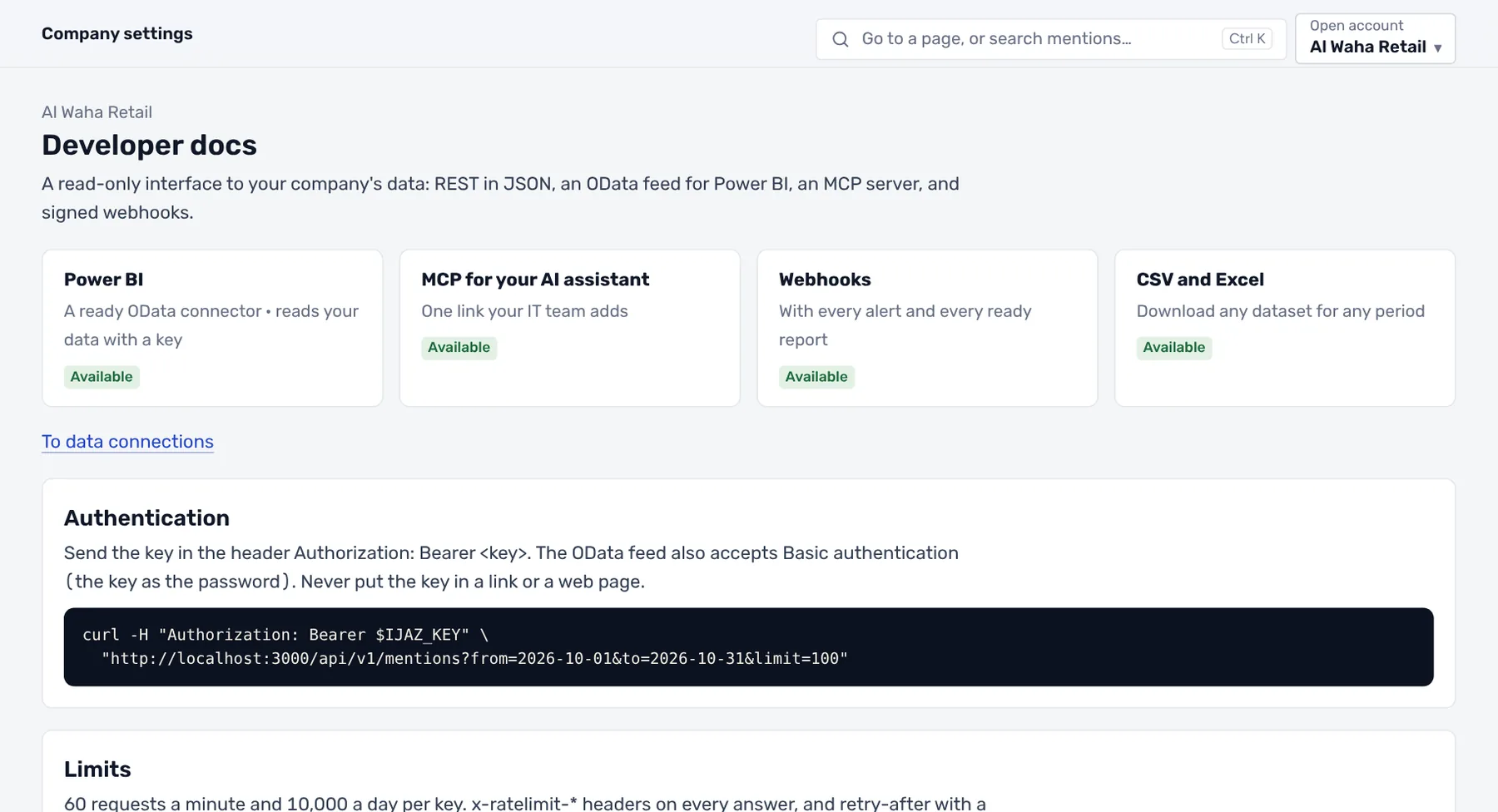
From the Ijaz app itself, with a demo company's data.
What you get
Power BI
A ready connector refreshed every hour, no code needed.
REST API
Query by date, tone, platform and story, with a key per company.
MCP
Your AI assistant reads from it directly and answers from Ijaz data.
Webhooks
A signed, instant notice to your systems with every alert and report, retried if delivery fails.
How it works
Getting started
- 1You create a key
From the data connections page, with the read scopes you choose.
- 2You connect your system
Power BI, your software or your AI assistant, with the documentation in your account.
- 3You stay in control
A log of every call, and a key is revoked in one click.
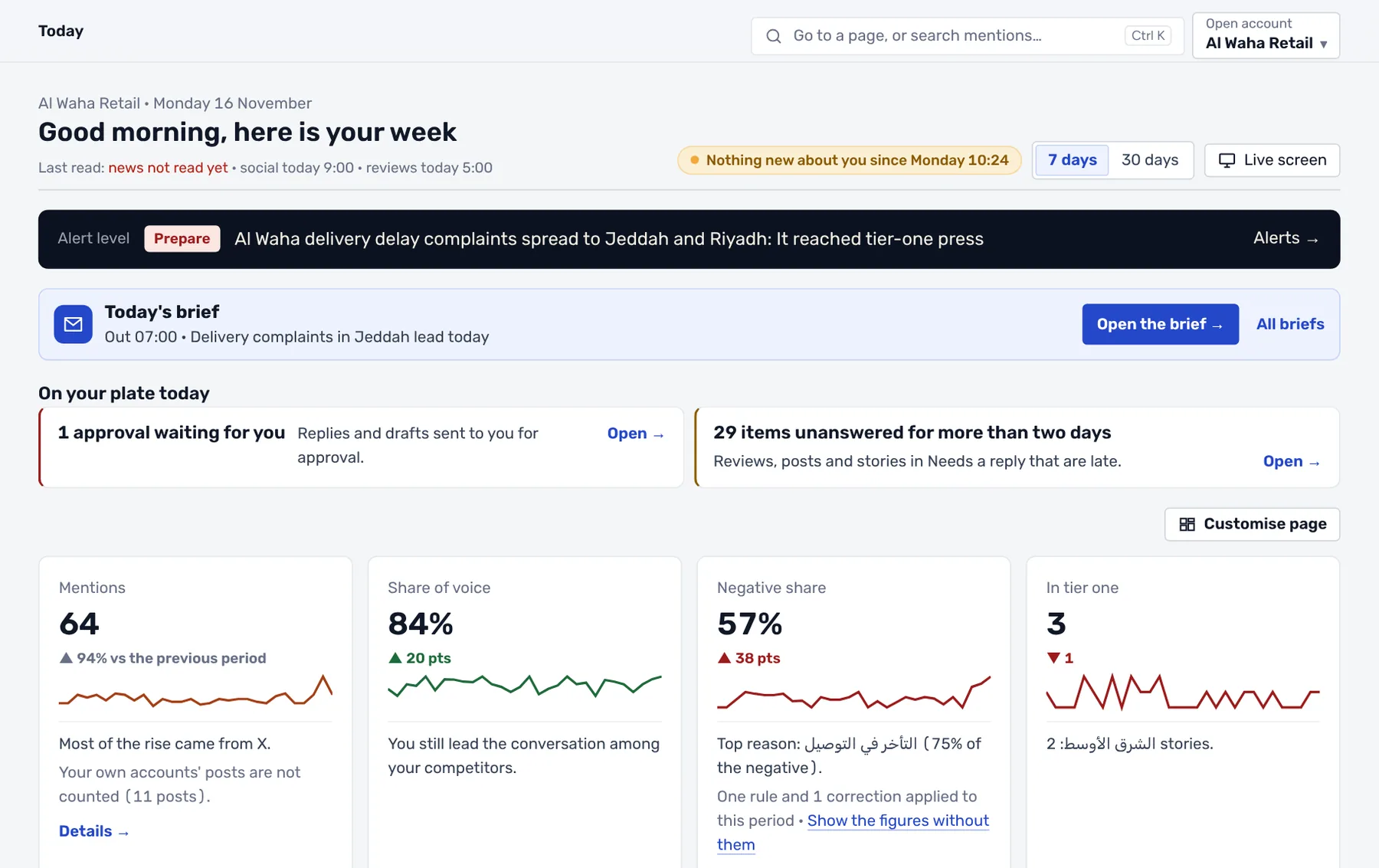 Custom dashboards
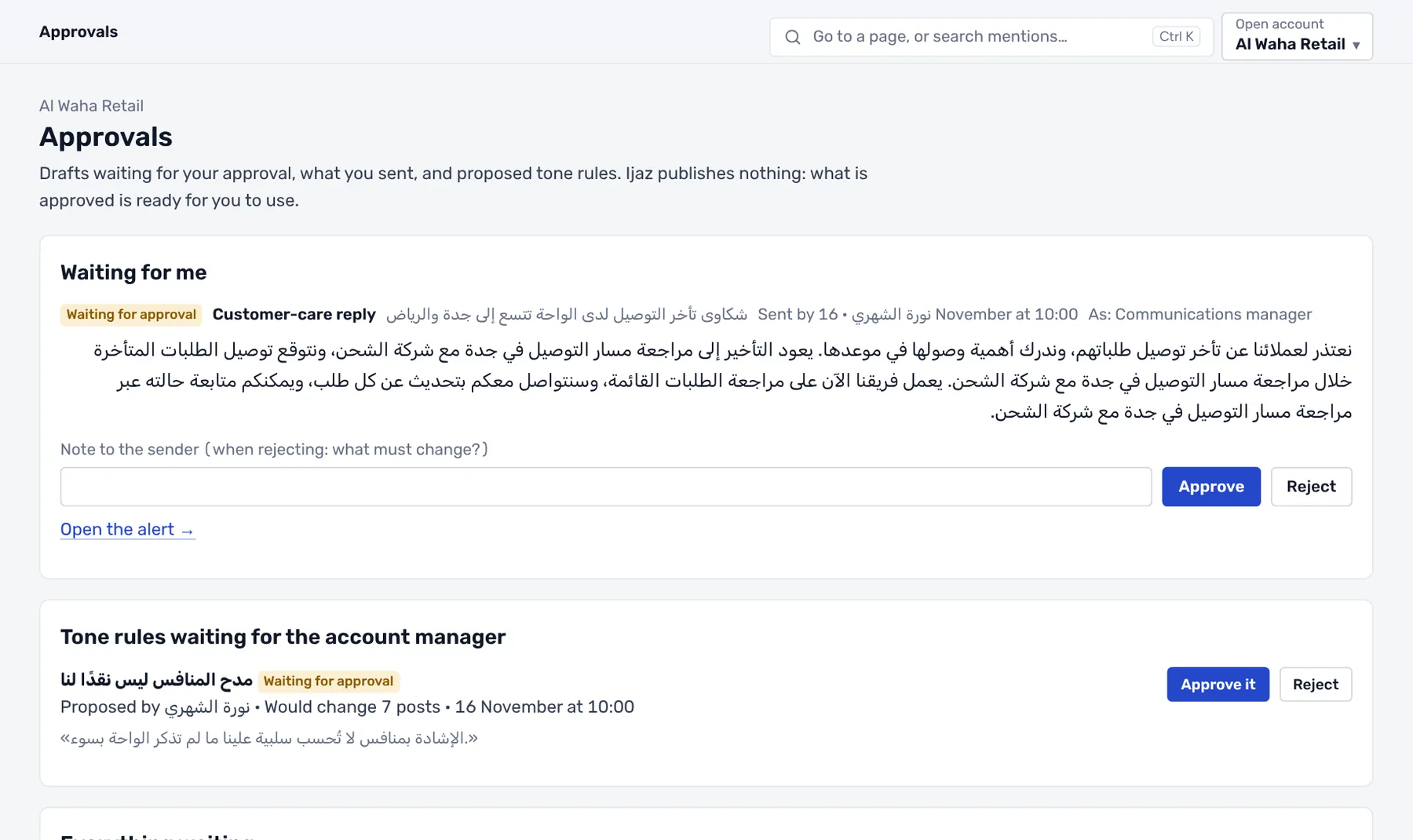 Alerts and approvals
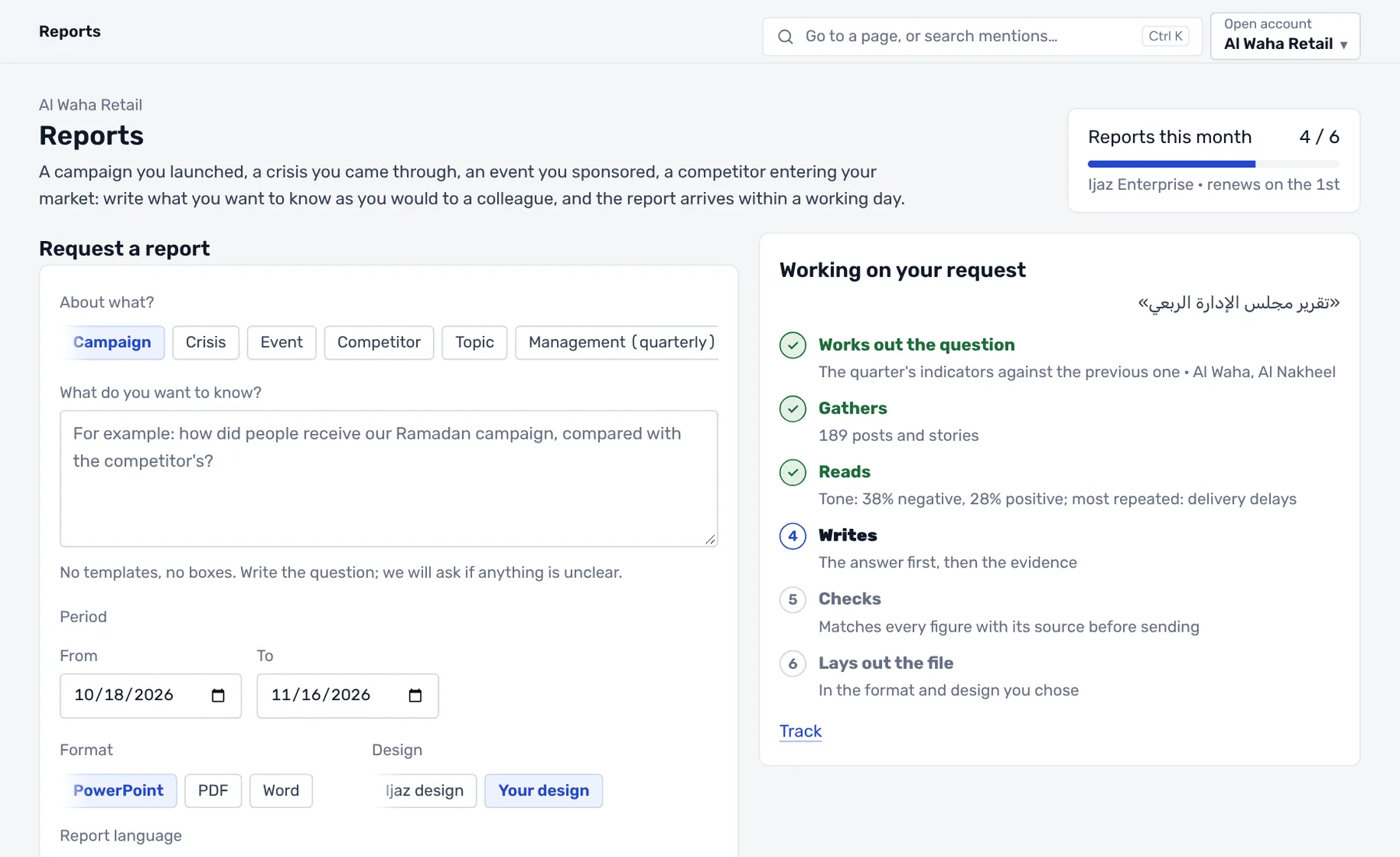 Reports